
In the second Lesson task this week, we were to find a colour photo of our own choice and create the following colour effects:
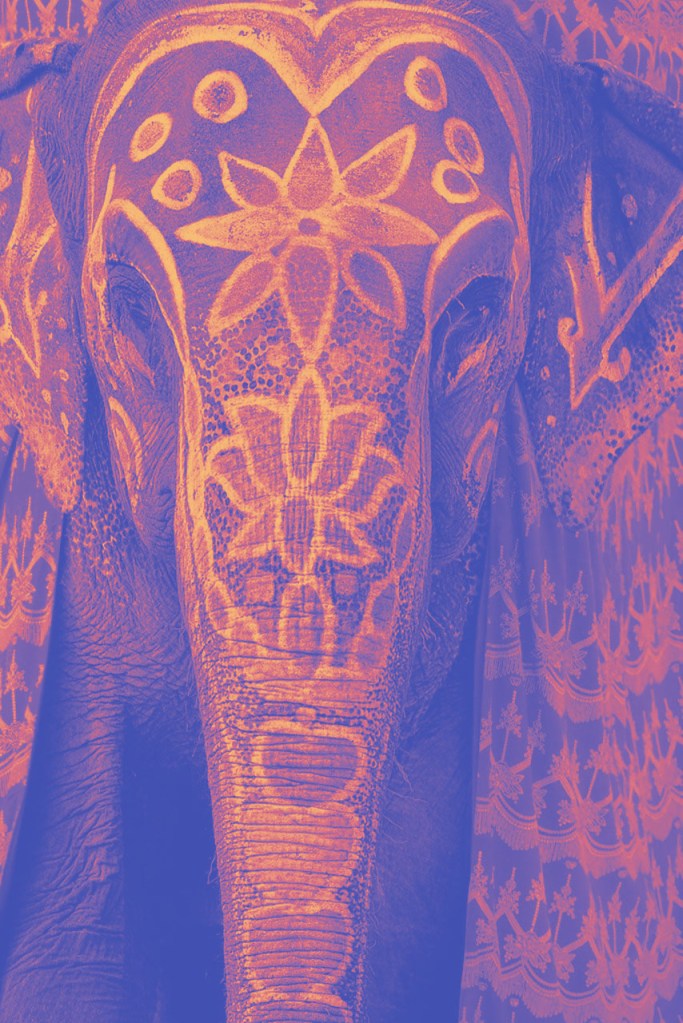
- Create a fluorescent duotone using a Gradient Map Adjustment layer.
2. Apply a monochrome look (this is not greyscale, choose a different colour than black).
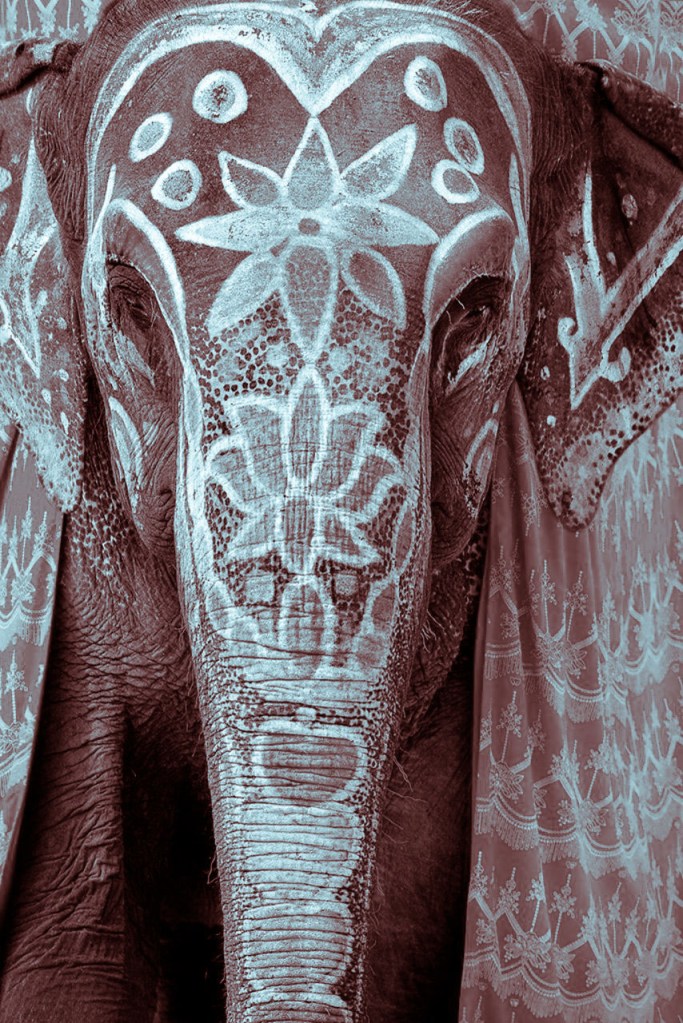
3. Split toning of the image (note that the tool in Photoshop for ‘Split Toning’ was changed to ‘Color Gradient’).
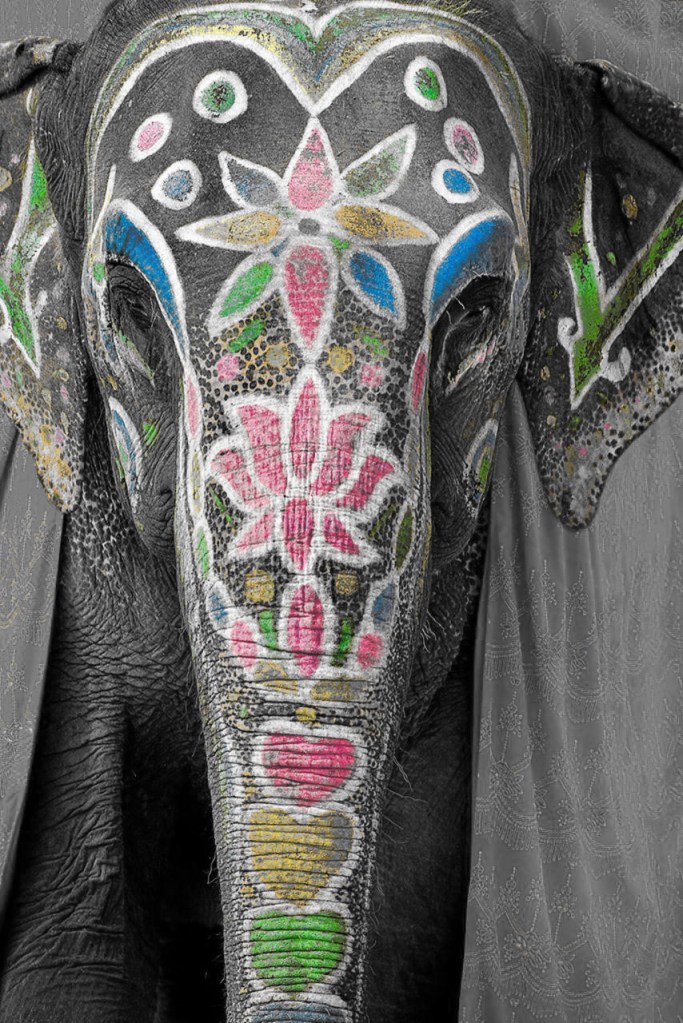
4. Freestyle: Create a colour effect of your choice. – I Chose to use a combine color effect, with color and black and white.
These four effects we were to apply on the same photo and hand in four separate works.
The first thing I did was to surf around to find a photo. I thought of India and all of their beautiful colours. I found this picture on Pinterest that I wanted to use:
1.Fluorescent duotone
Here I used the Gradient Map Adjustment Layer in Photoshop:
2.Monochrome
I chose the color blue, since we were not to use a greyscale.

3.Split toning
4.Combine color and black and white

 cathrinenilsen.com