
- Ensure that you watched the mandatory reference videos in Lesson 2.3 from this module.
- In Figma, export all images and graphics and organise them in a folder that you can easily find when working in Webflow. Compress images before exporting if needed.
- Sign up for your free account on Webflow.
- Create your new project.
- Begin to build your website’s home page referencing your prototype created in Figma.
On your WordPress blog:
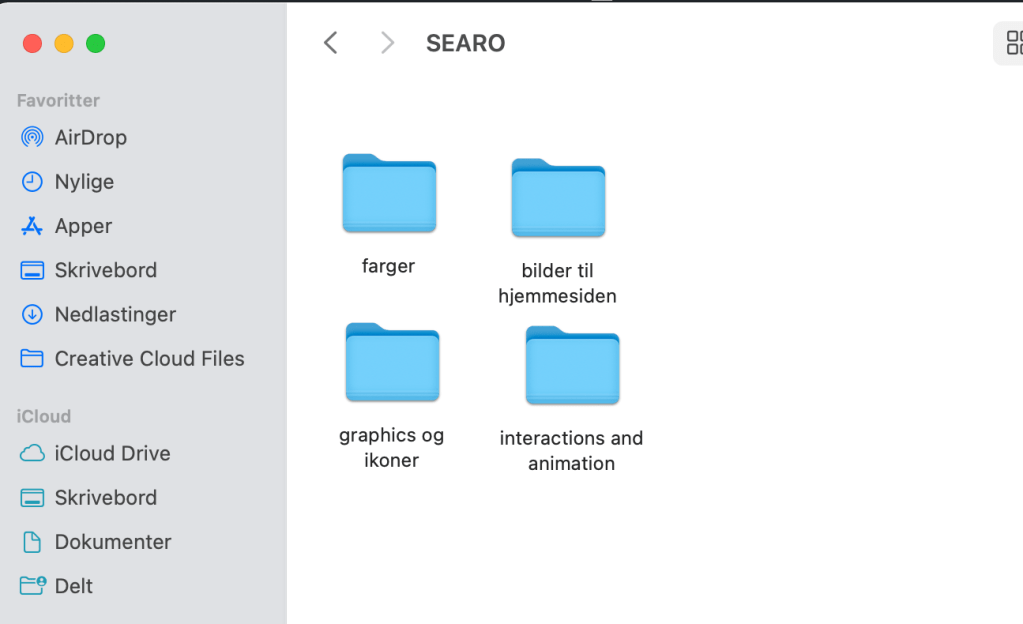
- Write a summary about the importance of organising your content and assets (images, logos, icons, graphics and text). Then, take a screenshot of your folder structure to show how you organised your content for this website project. Note that these files need to be organised before you start building your website in Webflow.
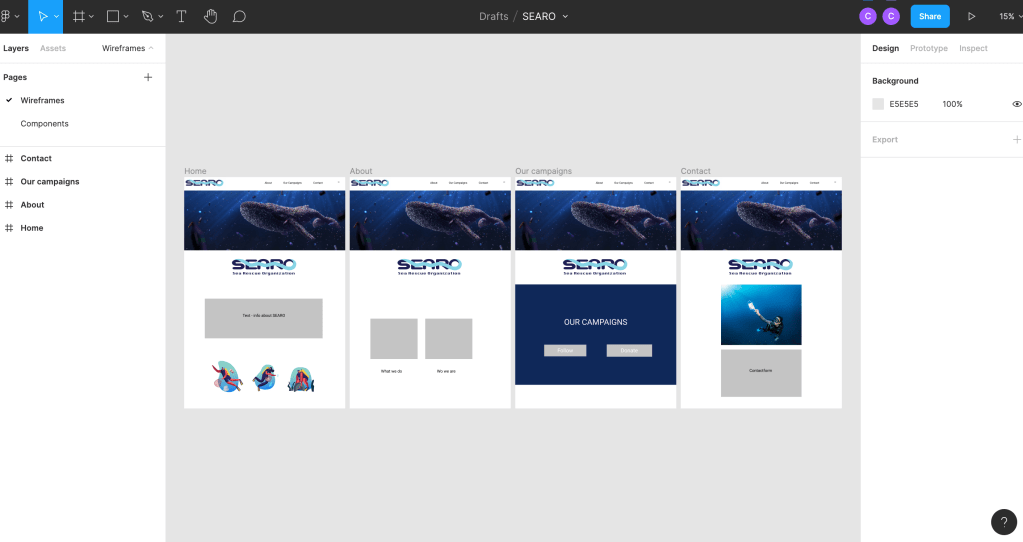
- Take screenshots of your Home Page in your Figma prototype and then of your Webflow Home Page to show how you’re moving along. Please write a short comparison of the two and how hard or easy it was to build what you have planned.
It is important to organize the content and assets for the website project because it saves you a lot of time, you know the content you are using and it keeps you focused on the task.
Figma:
Webflow:
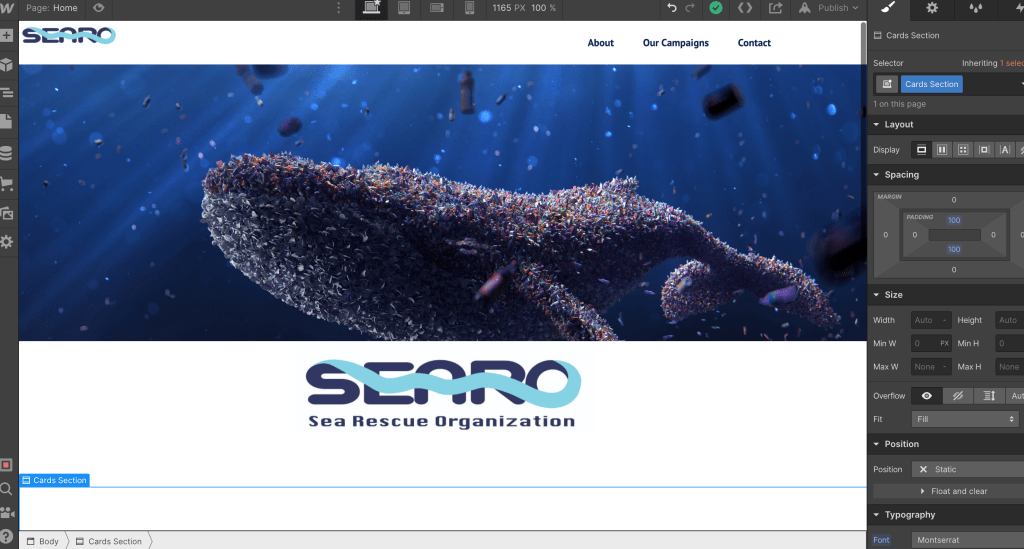
It was easier to arrange and place content in Figma, but Webflow is a great tool to use when building a website and very intuitive. I have just started building in Webflow now and will use some time arranging the elements.

 cathrinenilsen.com